

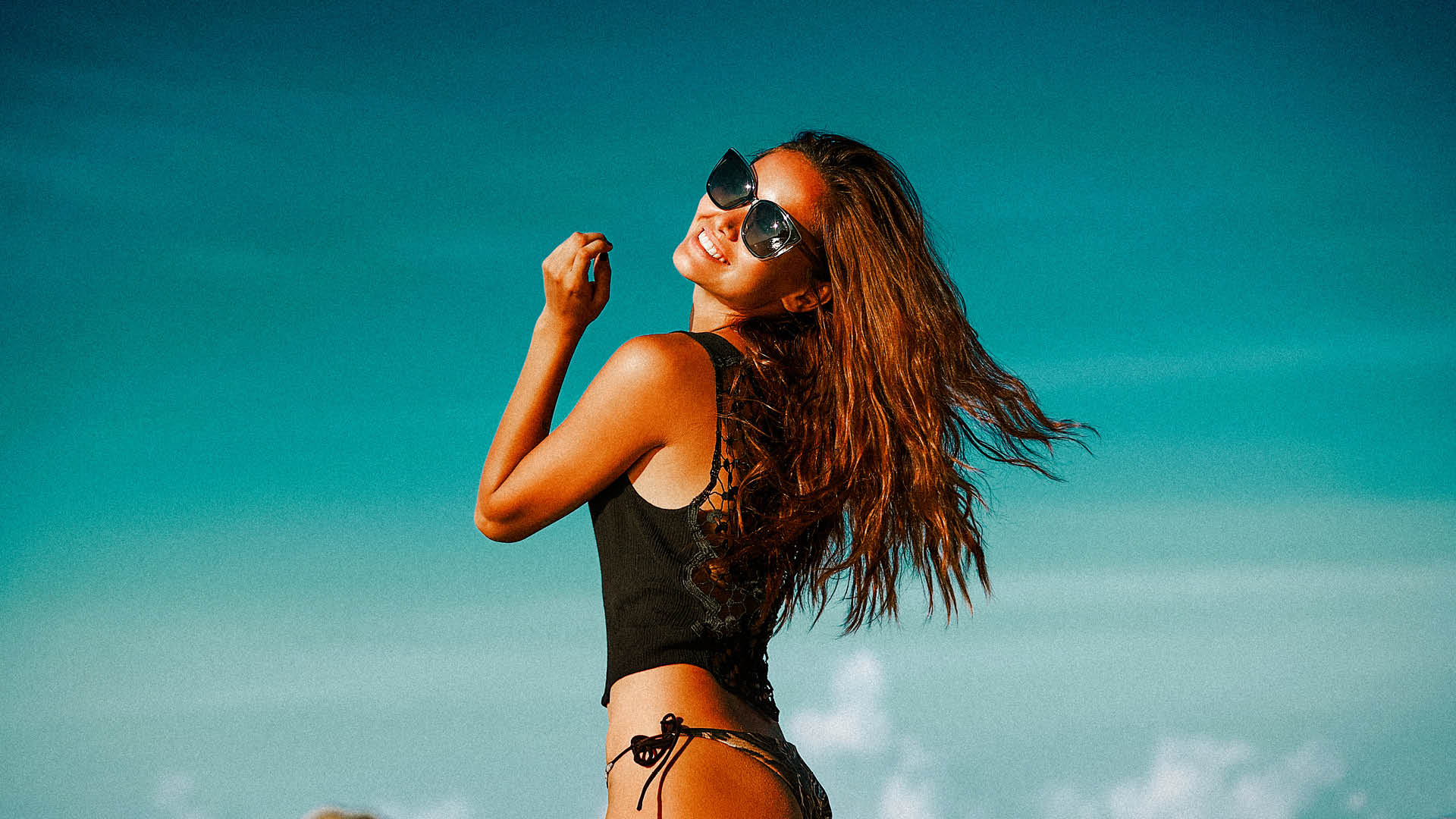
The charm of vintage photography never fades. Whether you're inspired by old film aesthetics or want to bring a nostalgic touch to your digital images, Vintage Era Lightroom Presets can help you achieve that timeless look effortlessly. In this guide, we'll explore how to use these presets to create stunning retro-style photos.
Why Vintage Photography is Timeless Vintage-style photos evoke emotion, tell a story, and bring warmth to any image. The grainy textures, warm golden tones, and soft contrasts associated with retro photography make it a favorite among photographers and content creators. Whether you're capturing portraits, landscapes, or lifestyle shots, a vintage touch can add an artistic and nostalgic feel to your work.

How Vintage Era Lightroom Presets Enhance Your Photos
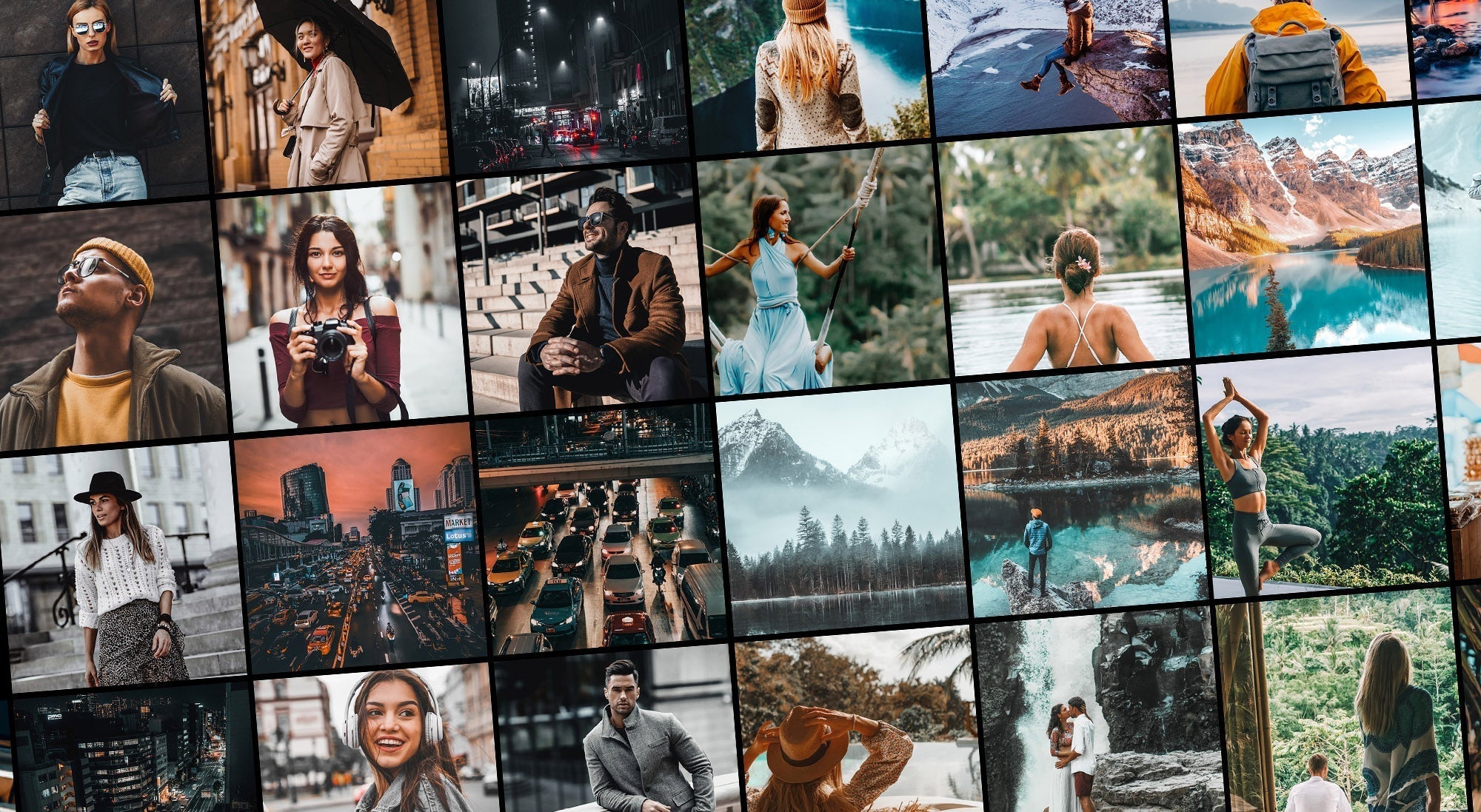
Our Vintage Era Lightroom Presets include 12 expertly crafted filters that replicate the aesthetics of film photography. These presets:
-
Enhance warm golden hues and faded tones
-
Add subtle grain for an authentic retro feel
-
Adjust contrast to create a soft yet dynamic depth
-
Work seamlessly with wedding, travel, and lifestyle photography
-
Provide a quick, one-click transformation for a vintage aesthetic

Best Photography Styles for Vintage Presets
Vintage Lightroom presets work best with:
-
Portraits – Soft tones and warm colors give skin a natural, dreamy look.
-
Travel Photography – Adds a classic film feel to city streets, landscapes, and historical sites.
-
Wedding Photography – Creates a nostalgic, romantic atmosphere for timeless wedding albums.
-
Editorial & Fashion – Perfect for adding an old-school magazine-style aesthetic.

How to Use Vintage Era Lightroom Presets in Your Edits
-
Import Your Photos – Open Lightroom and upload the images you want to edit.
-
Apply the Preset – Choose the Vintage Era Preset that best fits your image.
-
Adjust Exposure & Contrast – Fine-tune brightness and contrast to match your style.
-
Add Grain for Texture – Increase or decrease grain intensity for a film-like effect.
-
Refine Colors – Adjust saturation and temperature for a perfect balance.
Conclusion: Bringing a vintage touch to your photography has never been easier. Whether you're a professional or a beginner, Vintage Era Lightroom Presets allow you to create beautiful, timeless edits with minimal effort. Try them today and transform your digital shots into nostalgic masterpieces!
Share:
Why Lightroom Presets Are a Game-Changer for Wedding Photography
Free Lightroom Presets Explained: Pros, Cons & What Really Matters